SVG Genie’s AI SVG Generator Passes 17,900 Users and 7,300 Generated SVGs
The AI SVG generator converts plain-language descriptions into scalable vector logos, icons, illustrations and patterns
Press Release Disclaimer: This is a press release distributed through the XPR Media network. It has not been independently verified by our newsroom.
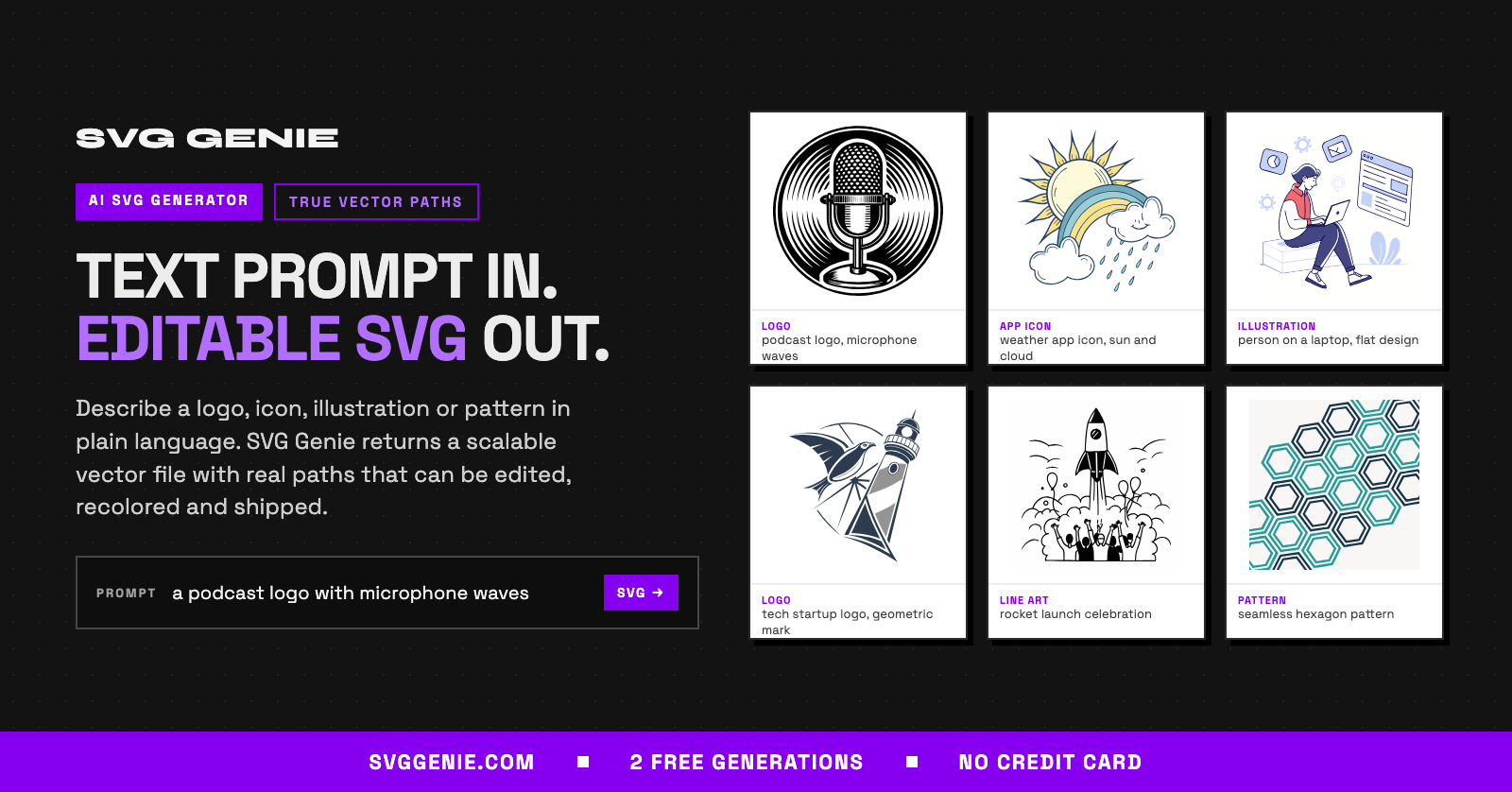

The AI SVG generator converts plain-language descriptions into scalable vector logos, icons, illustrations and patterns with real, editable paths.
DOVER, DE, UNITED STATES, October 20, 2026 /EINPresswire.com/ — SVG Genie, an AI SVG generator that turns plain-language text prompts into editable vector graphics, has passed 17,900 registered users since launching in late 2025. Signed-in users generated 7,363 SVG files with the AI generator between March 2 and October 20, 2026, the period covered by the company’s generation records, and 2,634 people created accounts in the 30 days to October 20.
What Is an AI SVG Generator?
An AI SVG generator is software that creates Scalable Vector Graphics (SVG) files from a written description. AI image generators typically produce PNG or JPG files made of pixels. An SVG file instead stores shapes as mathematical paths, so the graphic stays sharp at any size, from a 16-pixel favicon to a billboard, and its shapes and colors can be edited in any standard vector editor or directly in code.
How SVG Genie Works
A user describes the graphic in a sentence, such as “a podcast logo with microphone waves,” and SVG Genie returns an SVG file with editable paths and fills. A standard generation takes about 15 to 30 seconds. Three quality modes trade speed for detail: Quick uses one credit, HD uses two and Premium uses three. Users can pick a visual style, including line art, flat, engraving, linocut and icon styles, and an aspect ratio such as square (1:1), landscape (16:9) or portrait (9:16).
What People Create
Icons and logos lead demand. Of the 7,363 completed generations, 31% of prompts mention an icon and 24% mention a logo. Illustrations, seamless patterns, stickers and T-shirt graphics are also common requests. Prompts tend to be detailed: the median prompt is 23 words long. Completed generations rose from 1,010 in April 2026 to 1,243 in September 2026.
“Most AI image tools stop at a picture, and a picture is hard to use in a real product,” said Anagh Kanungo, founder of SVG Genie and an independent software builder. “Designers and developers need a file they can open, recolor and ship. SVG Genie generates real vector paths, so a logo described in one sentence can go straight into a website, an app or a print file.”
More Than a Generator
Alongside the AI SVG Generator, SVG Genie offers more than 25 free browser tools, including an SVG editor, a PNG-to-SVG converter and an SVG optimizer. A hosted MCP server lets compatible AI assistants create SVG files on a user’s behalf, and SVG Genie Desktop converts images to SVG offline on Mac and Windows.
Pricing and Availability
The SVG Genie AI SVG Generator is available now at svggenie.com. New accounts receive two free generations with no credit card required. One-time credit packs start at $9 for 13 credits and never expire, and paid downloads include commercial use. Creator Studio costs $19 per month for 100 monthly credits, and Agency Studio costs $39 per month for 350 monthly credits.
About SVG Genie
SVG Genie is an AI-powered platform for creating, converting, editing and optimizing SVG vector graphics. It serves designers, developers, founders, marketers and makers who need scalable graphics without manual vector drawing. SVG Genie was founded by Anagh Kanungo and is operated by Ankan Systems, based in Dover, Delaware. More information is available at https://www.svggenie.com.
Anagh Kanungo
SVG Genie
+1 929-299-6227
svggenie@ankansystems.com
Visit us on social media:
YouTube
Other
Legal Disclaimer:
EIN Presswire provides this news content “as is” without warranty of any kind. We do not accept any responsibility or liability
for the accuracy, content, images, videos, licenses, completeness, legality, or reliability of the information contained in this
article. If you have any complaints or copyright issues related to this article, kindly contact the author above.

Media gallery